What You Need for a New Website: Complete Checklist Before You Start
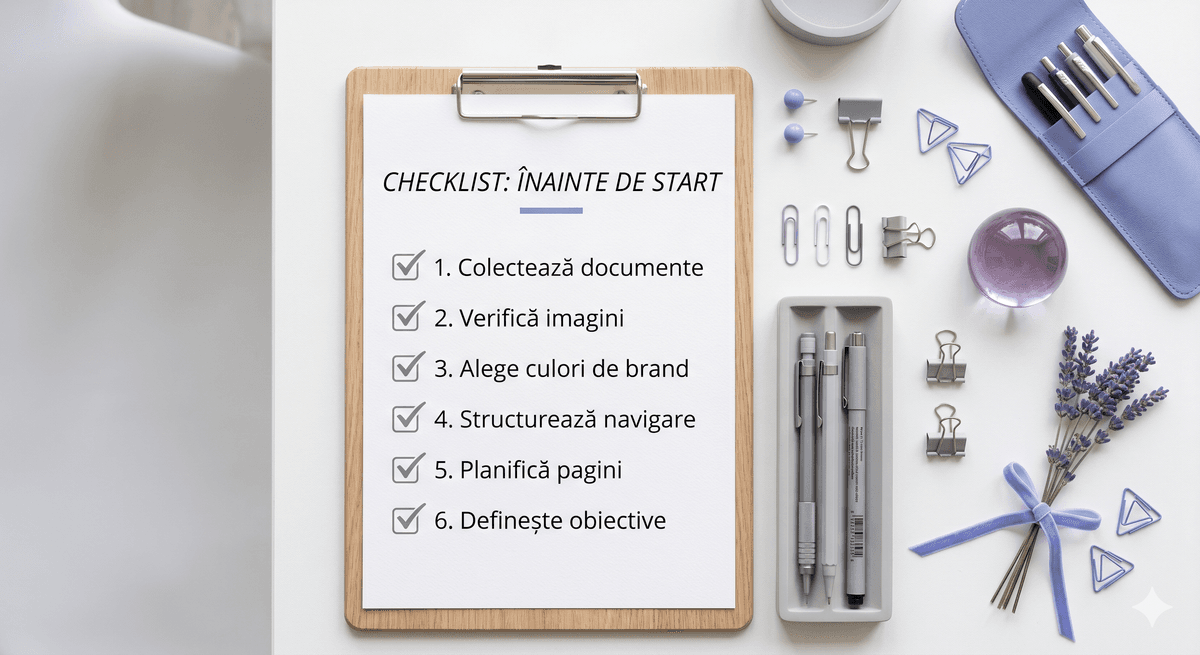
One of the most common reasons a website project gets delayed or goes over budget isn't the technology, the design, or the agency. It's the lack of content prepared on time. We've seen projects stalled for weeks because the client hadn't had time to write the text for their "About us" page.
This checklist exists so the same doesn't happen to you. If you tick everything below before we start working together, we guarantee a faster, more cost-effective process with less stress for everyone involved.
1. Clarity of objective
Before anything else, answer these questions honestly. Not for us — for yourself.
- What do you want the website to do? Present your services, generate quote requests, build credibility with partners?
- Who is your audience? If we know who we're speaking to, we adapt the message and design exactly to their tastes and needs.
- What action do you want the visitor to take? Call you, fill out a form, request a quote?
Without clear answers to these questions, any website risks looking good but doing nothing concrete for your business.
2. Site structure (sitemap)
You don't need to be a designer or programmer to sketch out your site structure. Take a piece of paper and note what pages you want to exist:
- Home
- About us / Brand story
- Services (one page per service or all on one page?)
- Portfolio / Case studies
- Blog (if you want to publish content regularly)
- Contact
It doesn't need to be perfect — we'll help you refine it. But if you have a first draft, we save at least one briefing session.
3. Text — the most often postponed thing
Text is the lifeblood of a website. Design catches the eye, but text convinces. And unfortunately, it's precisely what gets left to last.
What you need to prepare:
- Homepage text: What you do, who for, why you're different from the competition, and what the visitor should do next
- "About us" page: The company story, team, values — people buy from people, not from logos
- Service descriptions: Not a dry list, but the concrete benefits the client gets
- Testimonials: At least 3–5 real reviews from happy clients, with names and, if possible, a photo
- FAQ: The most common questions you receive — if you answer them on the site, you save time and filter out unsuitable clients
4. Images and visual materials
A site with stock photos looks like every other site. Real photos — of your team, office, products, or work process — build trust and authenticity.
- Your logo in vector format (.svg or .ai), not a screenshot from Facebook
- Professional photos of the team and workspace — if you don't have them, plan a photo shoot before launch
- Images of products or services — for abstract services, photos that suggest the process or outcome
- Brand guide (if it exists) — exact colors, fonts, logo usage rules
If you don't have professional photos, there are quality stock solutions (Unsplash, Pexels), but they will always be the second-best thing compared to your real photos.
5. Technical and legal information
Boring, but mandatory. Make sure you have on hand:
- Complete contact details: physical address, phone number, email, working hours
- Company registration details: required for the legal section of the site and page footers
- Privacy policy and Terms and conditions — legally required if you collect data through forms or cookies. We can help you draft these if you don't have them.
- Social media accounts you want linked to the site
- Domain access — if you already have a domain, you'll need access to the registrar's control panel (GoDaddy, etc.)
6. Visual references and design preferences
You don't need to know what font you like or what "white space" means. But please send us 3–5 websites you admire — not necessarily from your industry — and tell us what you like about them. "I like that it looks clean" or "I like that it has a lot of color" are valuable pieces of information.
Also tell us what you don't want. "I don't want it to look corporate" or "I don't want excessive animations" saves us from a round of revisions.
7. Budget and realistic timeline
We don't like playing games with hidden numbers. That's why we created clear packages designed for the most common business needs. At the same time, every project can be adjusted based on your goals — we don't work rigidly, we adapt the solution.
Same with the timeline: if you have an important event (launch, campaign, presentation), tell us in advance. A shorter deadline is possible, but involves more effort and therefore a different cost.
Quick summary — what to prepare
- Clear website objective and target audience
- List of desired pages
- Text for each page
- Vector logo and brand guide (if it exists)
- Professional photos or a plan for them
- Testimonials from clients
- Contact details and company legal information
- Domain access (if already purchased)
- 3–5 reference sites showing what you like and don't like
If you've ticked everything, congratulations — you're better prepared than 80% of the clients we work with when they first come to us. Write to us and let's get started.